Diagnostic Monitoring Test Results Access Procedure
NOTE: This is a generic function.1. Perform the NGS Tester Hook-up Procedure.

2. Move the cursor to GENERIC OBD II FUNCTIONS.
3. Press the TRIGGER key to enter this selection.
4. Press CONT.
5. Turn the menu dial clockwise to scroll the screen.
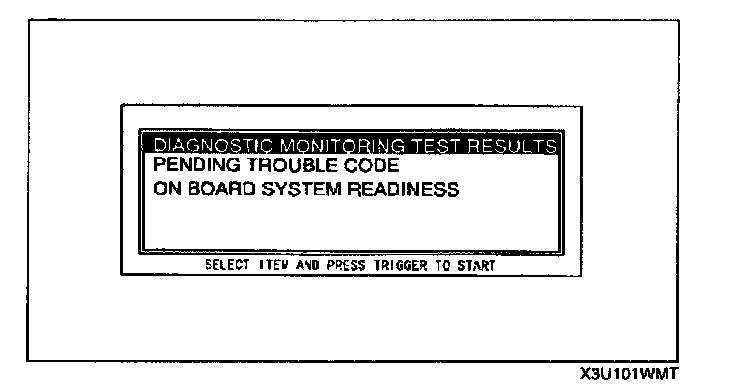
6. Move the cursor to DIAGNOSTIC MONITORING TEST RESULTS.
7. Press the TRIGGER key to enter this selection.

8. Select and press C-ALL or S-ALL.

9. Press START.

10. The screen immediately displays the results of each test with thresholds. Read the values.
