Removal Procedure
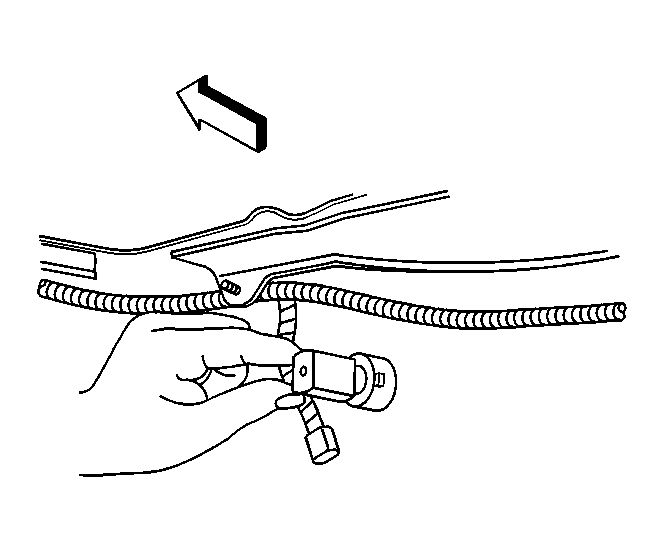 Courtesy of GENERAL MOTORS CORP.
- Remove rear bumper fascia. Refer to Rear Bumper Fascia Replacement (Chevrolet)
or Rear Bumper Fascia Replacement (Pontiac)
.
 Courtesy of GENERAL MOTORS CORP.
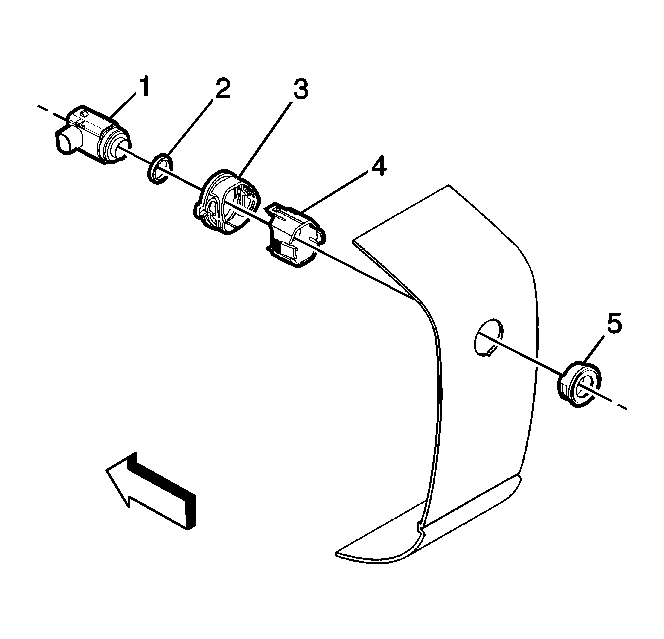
- Lift the locking tabs on the housing (4) and remove the rear object sensor (1).
 Courtesy of GENERAL MOTORS CORP.
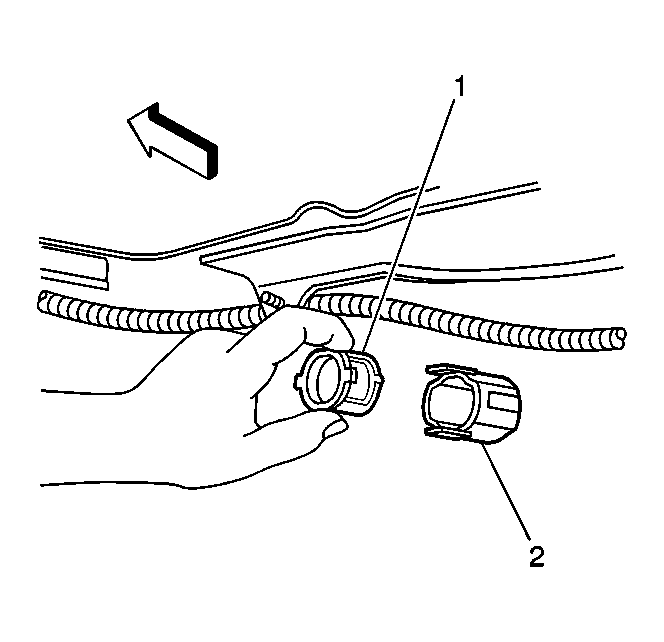
- Squeeze the spring (1) and remove it from the housing (2).
 Courtesy of GENERAL MOTORS CORP.
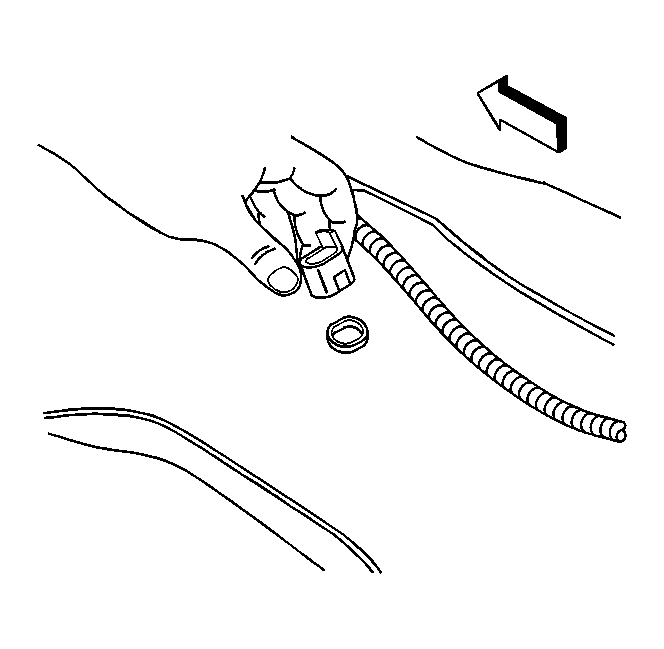
- Release the tabs on the housing and remove.
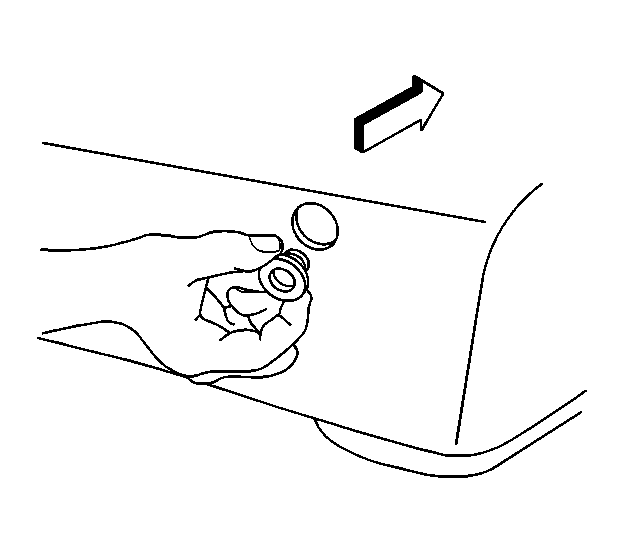 Courtesy of GENERAL MOTORS CORP.
- Remove the rear object sensor bezel from the rear fascia.